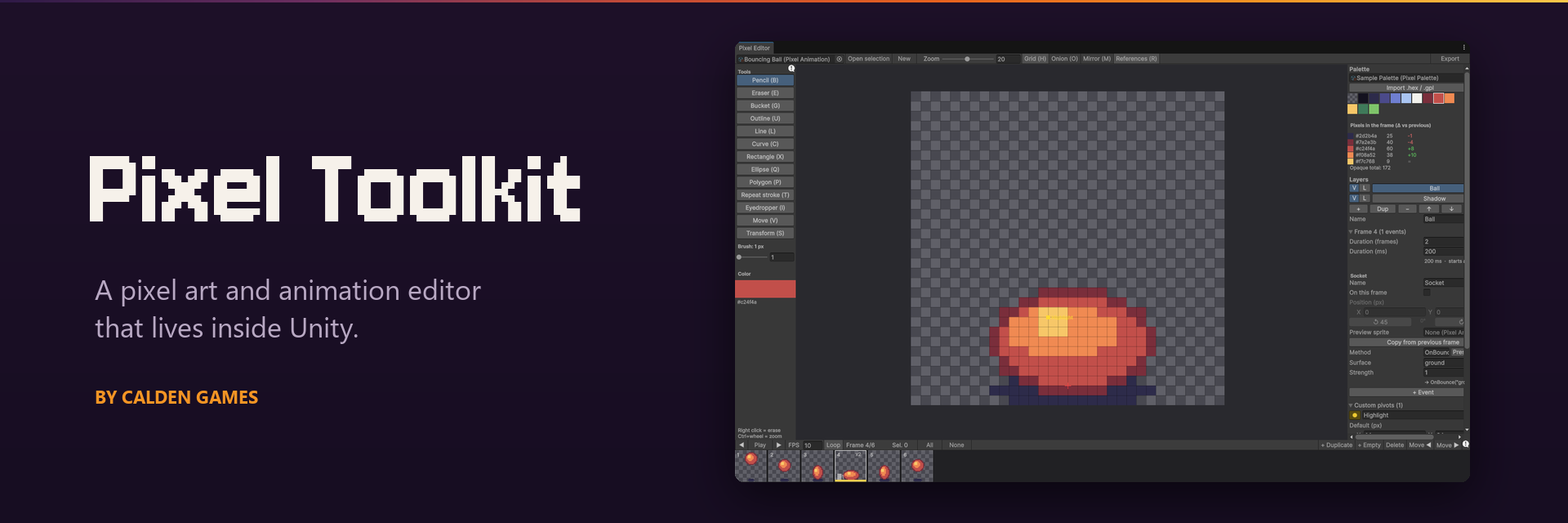
Pixel Toolkit
A downloadable tool
A pixel art and animation editor that lives inside Unity.
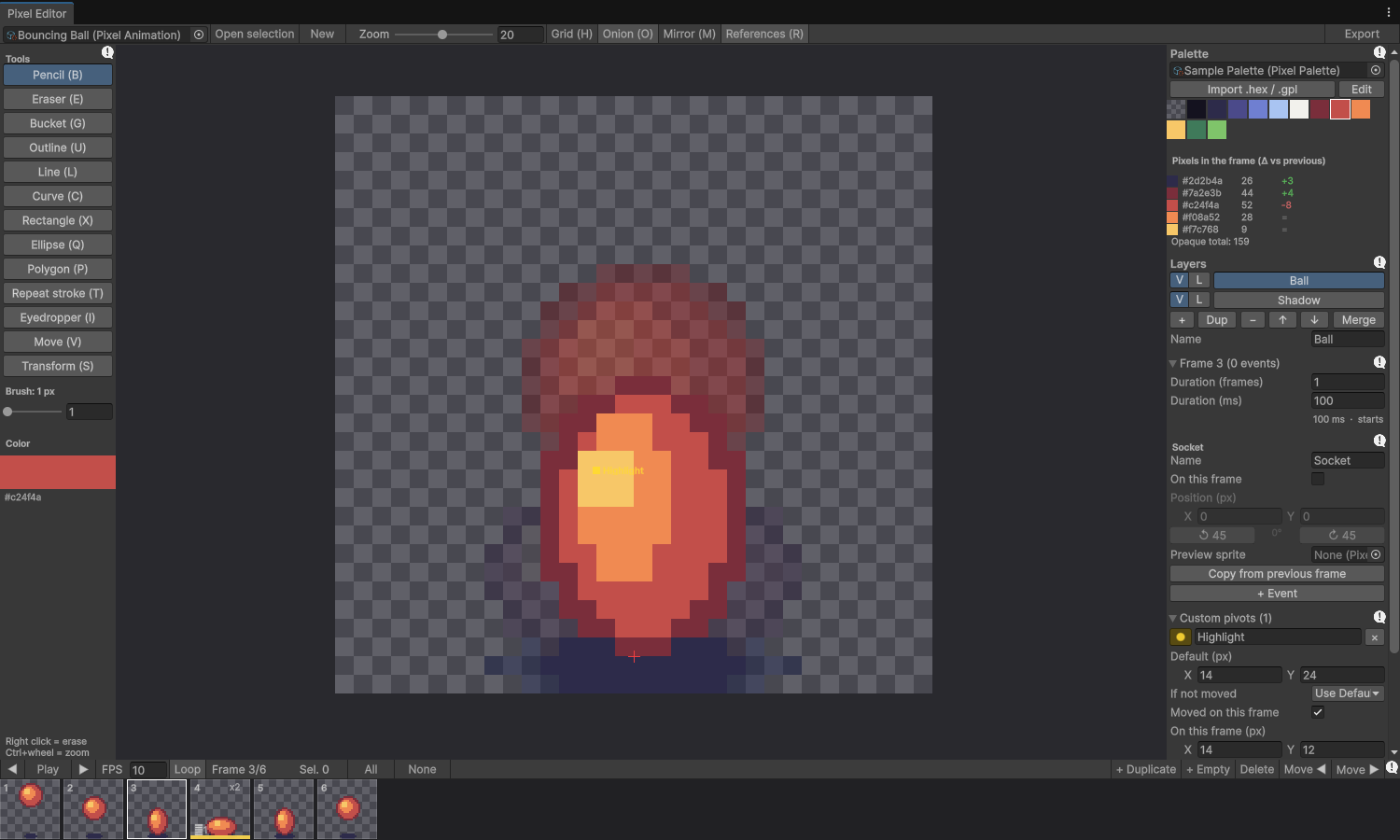
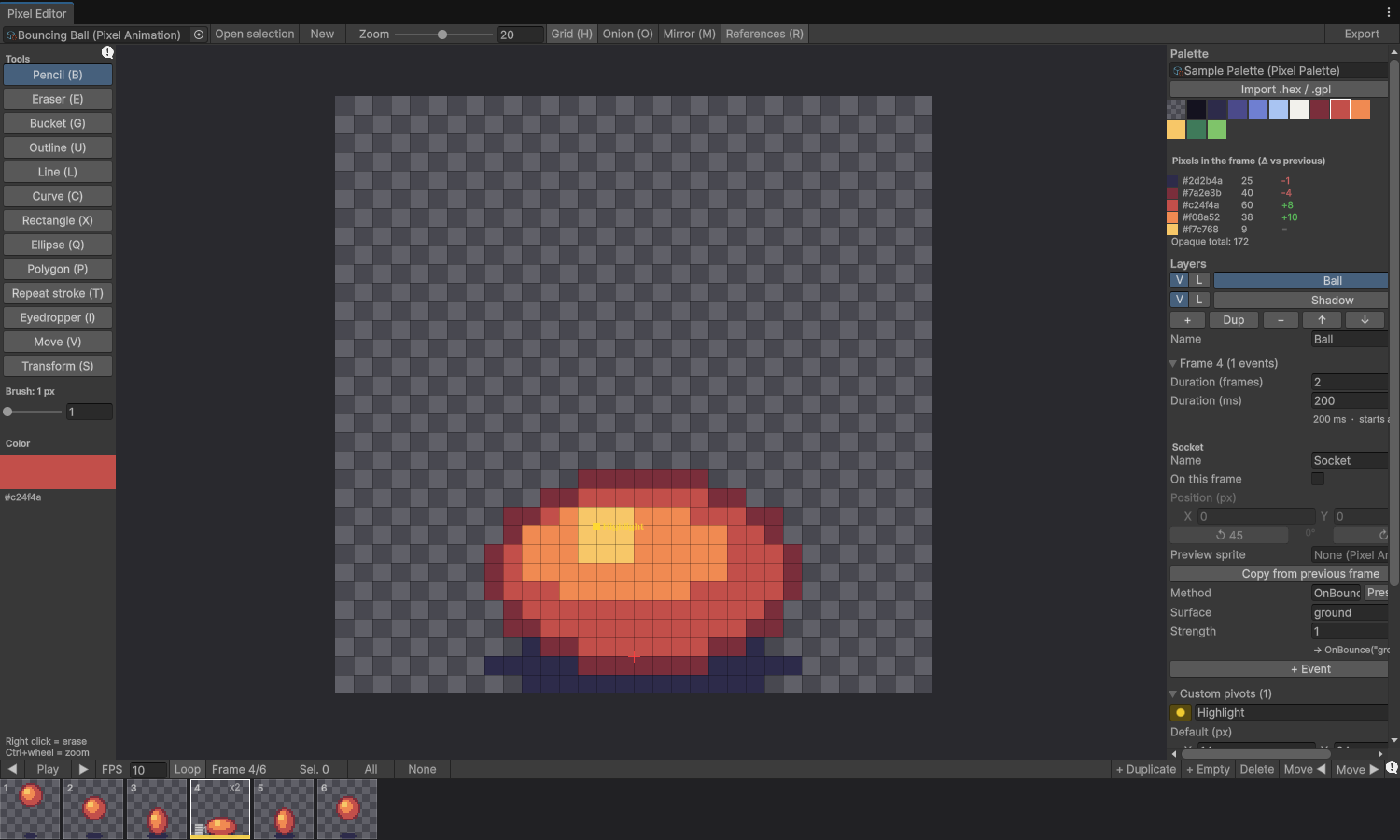
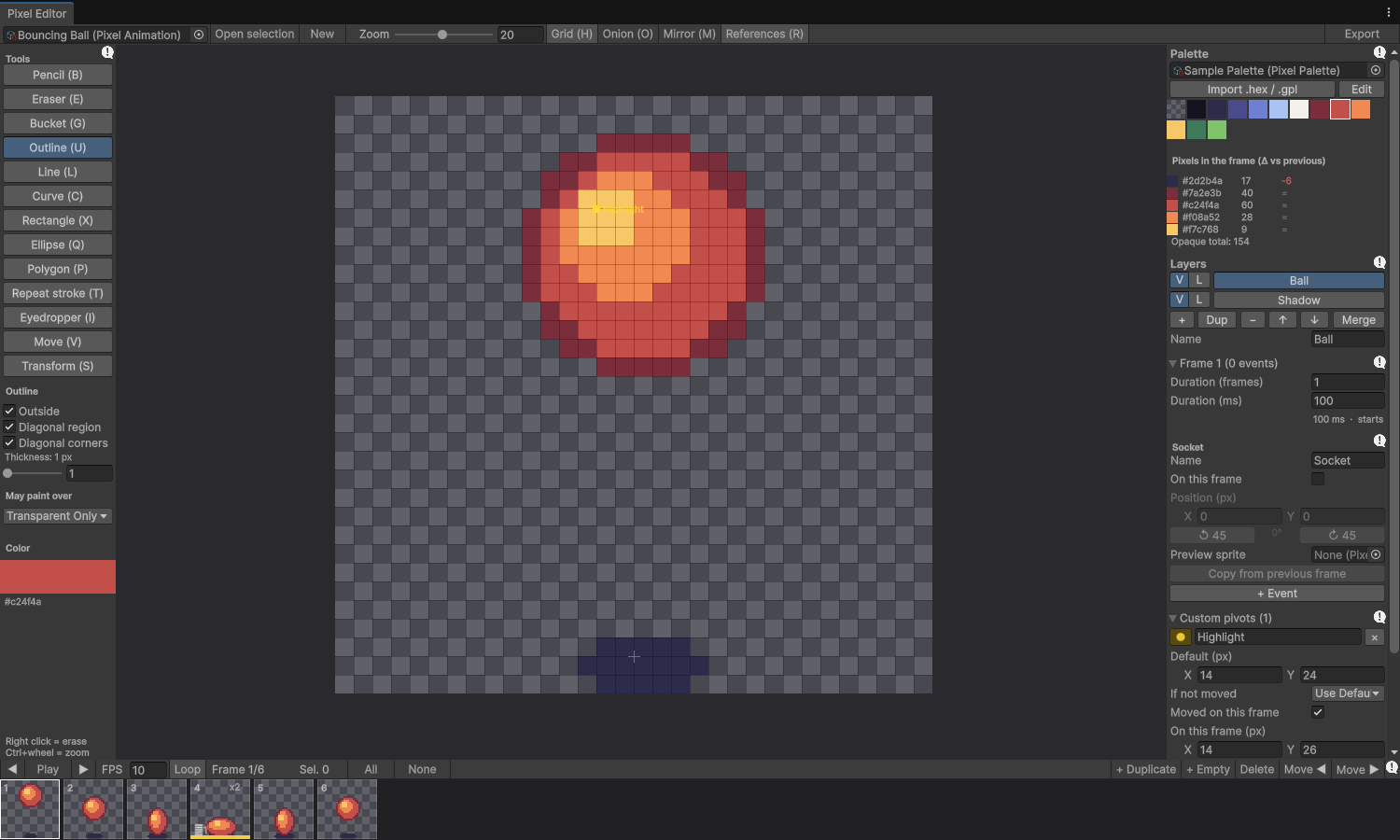
Draw, animate and export pixel art without leaving the Editor. Pixel Toolkit stores your art as palette indices, so recolouring a whole animation is one click on the palette, and every frame keeps the same colours and the same mass of pixels. Export a clean spritesheet and an AnimationClip ready for a SpriteRenderer.
What you get
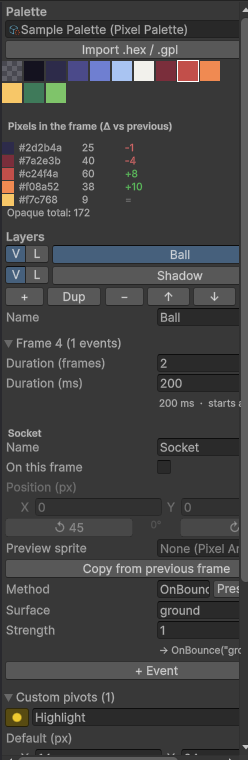
- Palette-indexed pixels. Import
.hexand.gplpalettes from Lospec, Aseprite or GIMP. See how many pixels each colour uses per frame, and how that changed since the previous frame. - A full set of drawing tools. Pencil, eraser, bucket, outline, eyedropper, line, Bézier curve, rectangle, ellipse, regular polygon, move, transform (scale, rotate, mirror), mirror drawing and a repeat-stroke stamp. Square or round brush up to 16 px, pixel-perfect mode, and previews that show exactly the pixels they will write.
- Layers, frames and timeline. Onion skin, per-frame duration in frames or milliseconds, range operations.
- Per-frame data that survives re-export. Animation events (with per-project presets), a socket for something that hangs from the character, and any number of custom pivots.
- Reference images to draw around, never exported. Linked sheets to author pivots and events on art made elsewhere without touching its pixels. Multi mode to edit many animations in one timeline.
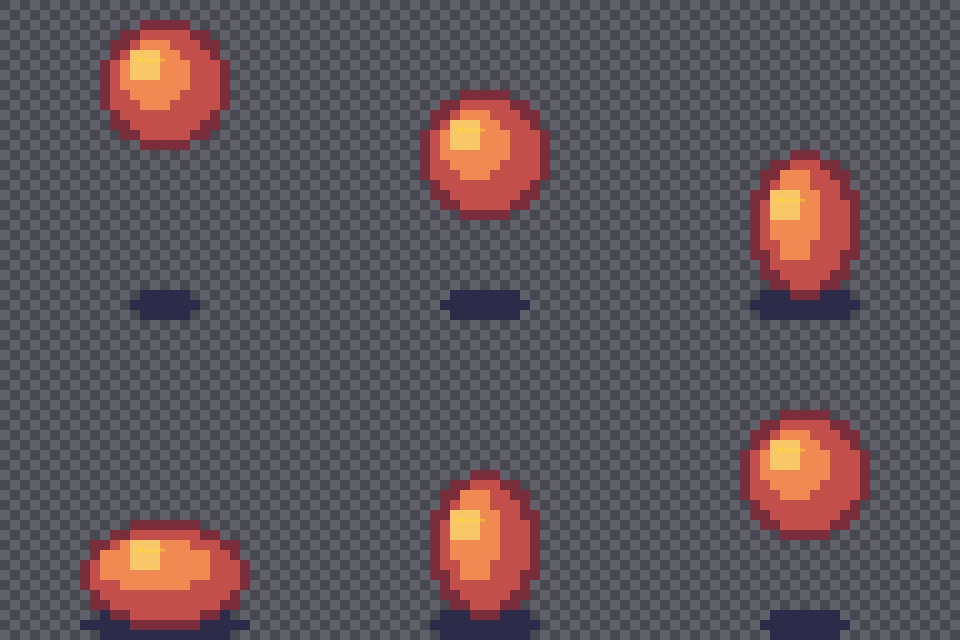
- One-click export. A spritesheet PNG and an
AnimationClip; re-exporting keeps your sprite references intact. - Undo for everything.
Requirements
Unity 6000.0 or newer (tested on 6000.6). The 2D Sprite package is installed automatically. It is an Editor tool: nothing is added to your builds.
Install
- UPM package (.zip): unzip it and use Window > Package Manager > + > Install package from disk... on
package.json. - From Git: Window > Package Manager > + > Install package from git URL... with
https://github.com/alvmivan/pixel-toolkit.git
Then open Window > Pixel Toolkit > Pixel Editor. A Getting started sample is included.
Documentation
A full manual in English and Spanish is included, with every tool, shortcut and option. It is also online: English manual · Manual en español. More about the tool at caldengames.com/pixel-toolkit.
Credits and license
Pixel Toolkit is the property of Calden Games and was designed and developed entirely by Marcos Alvarez. Released under the MIT license; source code on GitHub. Built while making Pichi-Kuyen.
Download
Install instructions
Unzip the file and, in Unity, open Window > Package Manager > + > Install package from disk... and pick package.json. Then open Window > Pixel Toolkit > Pixel Editor.
Requires Unity 6000.0 or newer (tested on 6000.6). Prefer Git? In the Package Manager use Install package from git URL... with https://github.com/alvmivan/pixel-toolkit.git. A Getting started sample and a manual in English and Spanish are included.
Leave a comment
Log in with itch.io to leave a comment.